


Think about how much time your employees spend catching up on emails, preparing reports, summarizing meetings, or searching for information. These everyday tasks add up quickly, leaving less time for work that directly contributes to business growth. Microsoft Copilot for Business can help reduce that workload by bringing AI assistance into the Microsoft applications your team already uses.
For businesses in Toronto and across Canada, the opportunity is promising. However, getting useful results requires the right licenses, a properly configured Microsoft 365 environment, and a clear implementation plan. Here’s what you need to know before getting started.
What Is Microsoft Copilot for Business?
Microsoft Copilot is an AI-powered assistant designed to help employees work more efficiently. The paid offering commonly known as Microsoft 365 Copilot integrates AI capabilities into familiar applications such as Word, Excel, PowerPoint, Outlook, and Microsoft Teams.
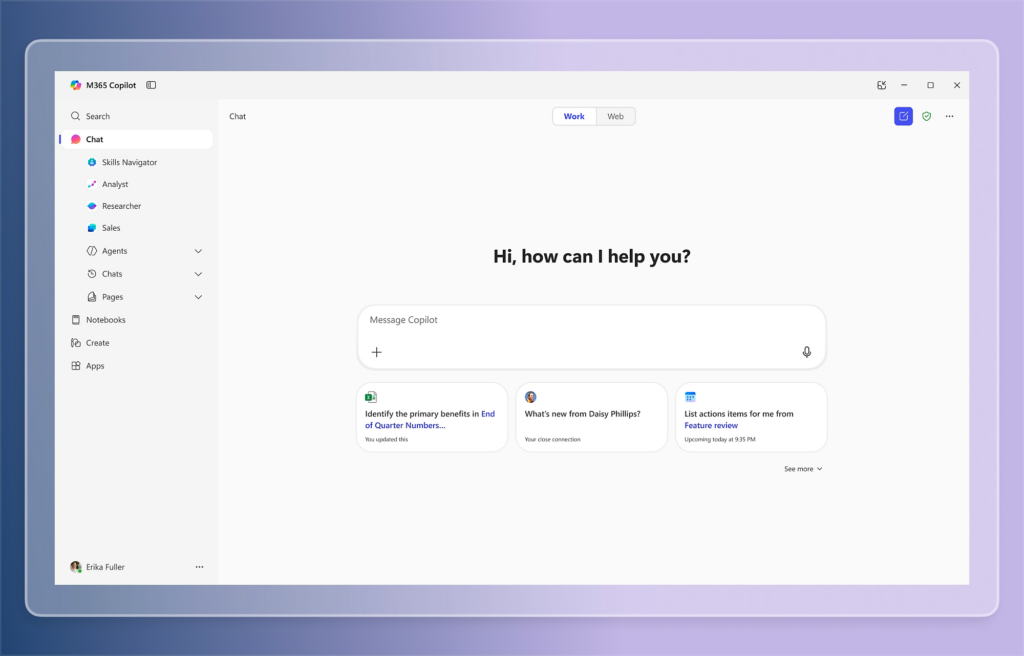
For example, employees can ask Copilot to summarize a lengthy email conversation, create a presentation outline, analyze spreadsheet information, or extract action items from a Teams meeting transcript.
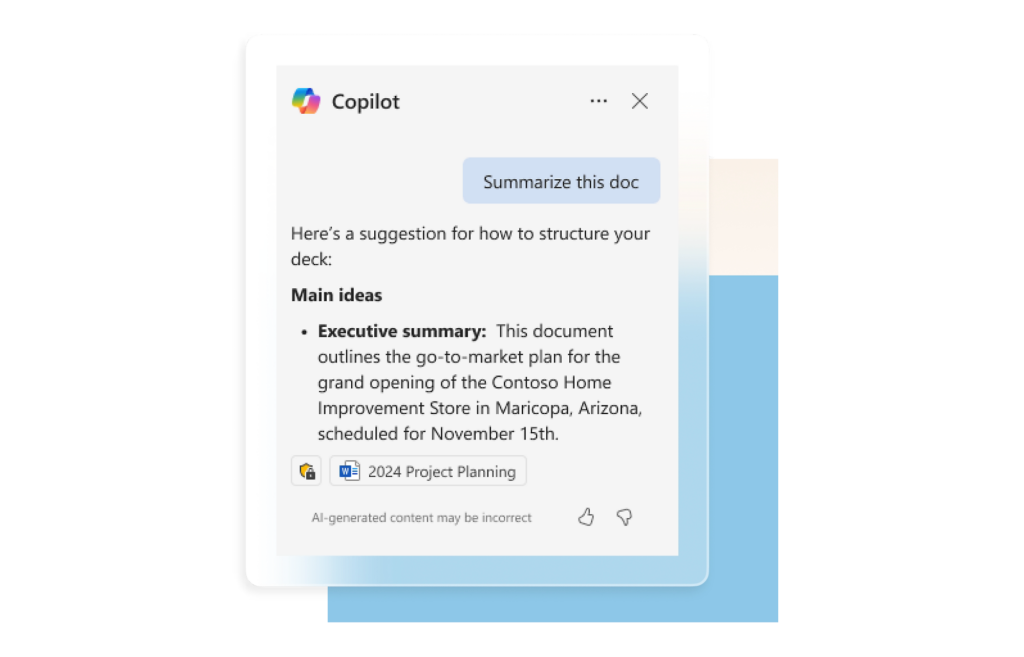
Copilot can also use relevant business information from Microsoft 365, including documents, emails, and conversations that employees already have permission to access. This makes its responses more relevant to everyday work.
Microsoft offers different Copilot experiences, including Copilot Chat for eligible Microsoft 365 users and paid business plans with additional capabilities. Understanding these differences helps businesses choose the appropriate option.
Key Benefits of Microsoft Copilot for Businesses
The biggest benefit of Copilot is the time employees can recover from repetitive work. Here are some practical ways businesses can use it.
Faster Document Creation
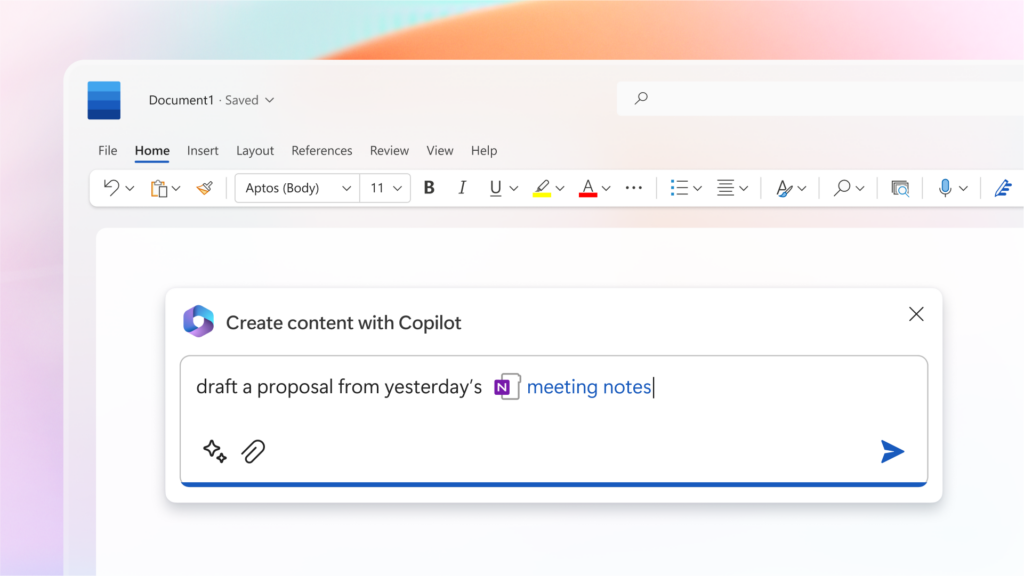
Writing proposals, reports, and internal documents can take hours. Copilot helps employees generate initial drafts, rewrite sections, summarize information, and improve document structure in Word.
Teams still need to check the output for accuracy, but they can spend less time preparing the first version.
Better Email Management
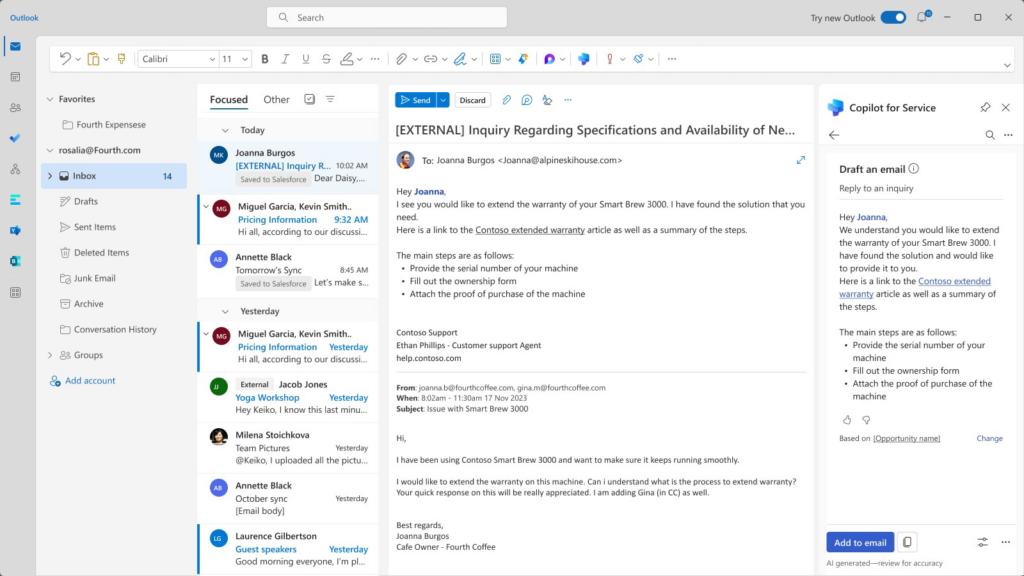
Outlook users can summarize long email threads, draft replies, and catch up on conversations more quickly.
This can be especially helpful for customer-facing teams that manage dozens of messages throughout the day.
More Productive Meetings
With the appropriate Teams features and meeting policies enabled, Microsoft Copilot for business can summarize discussions, identify important decisions, and highlight follow-up tasks.
Employees who attend several meetings can review the main points without manually organizing lengthy notes.
Easier Data Analysis
Copilot in Excel can help users explore spreadsheet data, identify patterns, and understand information using natural-language questions.
For small businesses without dedicated data analysts, this can make routine reporting more accessible.
These benefits make AI solutions for business worth exploring, particularly for teams already working extensively within Microsoft 365.
Microsoft Copilot Licensing: What Canadian Businesses Should Know
Before purchasing Copilot licenses, check which Microsoft 365 subscription your business currently uses. Microsoft offers Copilot Business as an add-on for eligible Microsoft 365 Business Basic, Standard, and Premium plans, supporting organizations with up to 300 users.
For businesses exploring Microsoft Copilot Canada pricing, here are the current options, as of October 2026:
| Plan | Price (CAD/user/month) |
| Microsoft 365 Copilot Business (add-on) | $24.43, paid yearly (promotional price) |
| Microsoft 365 Business Standard with Copilot | $31.90, paid yearly |
| Microsoft 365 Business Premium with Copilot | $43.40, paid yearly |
Prices exclude applicable taxes. The promotional Copilot Business add-on normally starts at CAD $28.50 per user/month. Prices and offers may change.
The standalone Copilot Business add-on requires an eligible Microsoft 365 subscription, while the bundled plans include both Microsoft 365 and Copilot. Businesses can also explore monthly billing options, although these generally cost more.
It’s worth checking whether your employees need paid Copilot features or can start with Copilot Chat, which is available to eligible Microsoft 365 users without an additional Copilot license.
You can compare the latest options on Microsoft’s official Canadian pricing page. Starting with a small group of employees can help you evaluate Microsoft Copilot for Business before investing in licenses for your entire team.
How to Set Up Microsoft Copilot for Business
Copilot implementation involves more than assigning licenses. Your existing Microsoft 365 environment needs to be ready.
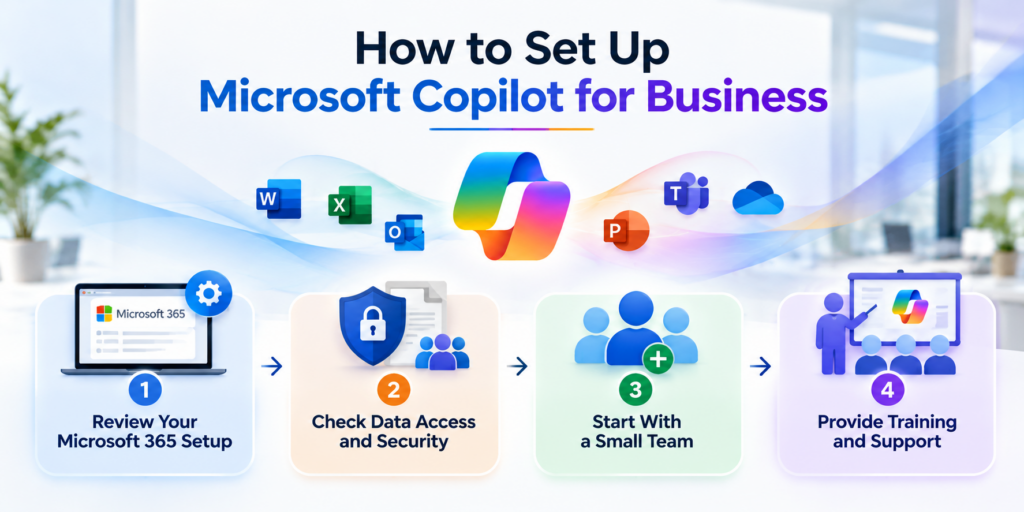
1. Review Your Microsoft 365 Setup
Start by checking existing subscriptions, user accounts, application versions, and required services.
Microsoft Copilot relies on Microsoft Entra ID for organizational identities, while certain features require services such as Exchange Online. Your IT team should confirm that users meet the technical requirements.
If your business is still transitioning to the cloud, our guide to Microsoft 365 migration services explains how to prepare your environment for a smoother move.
2. Check Data Access and Security
Review SharePoint permissions, OneDrive sharing settings, and access to sensitive documents before enabling work-connected Copilot features.
Employees should only have access to information relevant to their roles. Any existing oversharing issues should be addressed during preparation.
3. Start With a Small Team
Choose employees who regularly prepare documents, analyze spreadsheets, or manage large volumes of communication.
A small pilot helps identify practical use cases, evaluate employee feedback, and determine whether additional licenses are worthwhile.
4. Provide Training and Support
Employees need guidance on writing useful prompts, checking AI-generated content, and handling confidential information.
Successful Copilot for business adoption depends on helping employees use the available features confidently and responsibly.
Is Microsoft Copilot Secure for Business Use?
Security is an important consideration when introducing AI into company workflows.
According to Microsoft’s Copilot privacy documentation, Copilot operates within Microsoft 365’s existing security and compliance framework. Microsoft also states that organizational prompts, responses, and data accessed through Microsoft Graph are not used to train its foundation language models.
However, Copilot respects existing user permissions. If an employee already has access to an incorrectly shared confidential document, Copilot may be able to reference that information.
Businesses should review:
- Multi-factor authentication and identity security
- SharePoint and OneDrive sharing permissions
- Sensitive information protection and data loss prevention policies
- User access, guest accounts, and administrative privileges
The available security controls depend on your Microsoft licensing and configuration.
For Canadian organizations handling financial records, customer information, or other sensitive data, these checks deserve particular attention.
Alongside reviewing access permissions, businesses should have a reliable data protection strategy. Our article on protecting Microsoft 365 data covers the importance of backups and recovery planning.
How Sun IT Solutions Can Help With Copilot Implementation
Introducing a new technology is easier when your existing IT environment is properly managed.
Sun IT Solutions is the leading provider of managed IT services and Microsoft 365 support in Toronto. We provide Microsoft 365 management, cloud services, cybersecurity, and managed IT services to businesses across Toronto and surrounding areas. These existing services provide a strong foundation for planning and supporting Copilot adoption.
Microsoft 365 Assessment and Licensing Guidance
Our team can help review your current Microsoft 365 environment, identify technical requirements, and assess which employees could benefit most from Copilot.
Through Microsoft 365 consulting, businesses can plan license purchases around their actual needs and avoid unnecessary spending.
Secure Configuration and Deployment
Our Microsoft 365 and cybersecurity expertise can support user access reviews, security configuration, and deployment planning.
We can help businesses prepare their environment for Copilot while maintaining appropriate controls over company information.
Employee Support and Ongoing Management
Getting Copilot up and running is just the beginning. Employees may need help exploring its features, managing access permissions, or resolving technical issues as they incorporate AI into their daily work.
With our Managed IT Services in Toronto, businesses receive ongoing technical assistance, proactive maintenance, and reliable Microsoft 365 support in Toronto. Whether you’re introducing Microsoft Copilot in Toronto or expanding its use across your team, Sun IT Solutions can help keep your Microsoft 365 environment secure and running smoothly.

Get Started With Microsoft Copilot and Sun IT Solutions
Microsoft Copilot for Business offers practical opportunities to improve productivity, simplify routine tasks, and help employees make better use of Microsoft 365.
The best starting point is understanding your current environment, selecting appropriate licenses, and identifying where AI assistance will provide measurable value.
Ready to explore Copilot for your business? Contact Sun IT Solutions to discuss your Microsoft 365 environment and the next steps toward a secure, well-planned implementation.

