

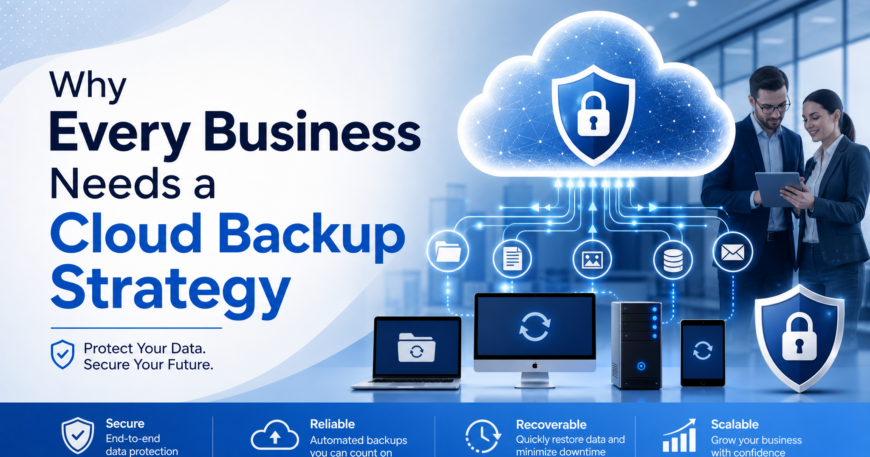
Data is one of the most valuable assets a business owns today. From customer information to financial records and operational files, losing this data can bring an organization to a complete standstill. That’s why having a cloud backup strategy is no longer optional. It’s essential for business continuity and long-term resilience.
Yet, many businesses still rely on outdated or incomplete backup methods, leaving them exposed to risks like cyberattacks, accidental deletion, and system failures.
The Growing Risk of Data Loss
Data loss is far more common than most business owners realize. Studies show that 48% of businesses experience data loss each year, highlighting how widespread the problem has become.
At the same time, modern IT environments are becoming more complex. In fact, 18% of organizations report experiencing cloud data loss, while 22% are unsure if they’ve lost data at all, often due to poor visibility and backup practices.
These numbers make one thing clear: without a proper backup strategy, businesses are operating at significant risk.
What Is a Cloud Backup Strategy?
A cloud backup strategy involves automatically storing copies of your business data in secure, off-site cloud environments. Unlike traditional backups stored on physical devices, cloud backups offer:
- Remote accessibility
- Automated data protection
- Faster recovery times
- Protection against physical damage (fire, theft, hardware failure)
Modern strategies often follow best practices like the “3-2-1 rule”, keeping multiple copies of data across different locations to ensure maximum protection.
Key Benefits of a Cloud Backup Strategy
1. Protection Against Cyber Threats
Ransomware and cyberattacks are among the leading causes of data loss. A cloud backup ensures that even if your systems are compromised, your data remains secure and recoverable.
With secure, isolated backups, businesses can restore operations without paying ransom or suffering long-term damage.
2. Faster Data Recovery
When data loss occurs, time is critical. Cloud backup systems allow businesses to recover files quickly, often within minutes or hours instead of days.
This minimizes downtime and ensures operations resume with minimal disruption.

3. Business Continuity and Disaster Recovery
Unexpected events like hardware failure, human error, or natural disasters can halt operations instantly.
A cloud backup strategy ensures:
- Critical data is always available
- Systems can be restored instantly
- Business operations continue with minimal impact
Without a backup plan, recovery can be slow, expensive, or even impossible.
4. Reduced Risk of Human Error
Human error remains one of the most common causes of data loss. Whether it’s accidental deletion or misconfiguration, mistakes happen.
Cloud backups provide an extra layer of protection by:
- Automatically saving data
- Allowing version recovery
- Preventing permanent loss
In fact, 64% of data loss incidents are linked to human error, making automated backup systems essential.
5. Scalability and Flexibility
As businesses grow, so does their data. Cloud backup solutions scale easily without the need for expensive hardware upgrades.
Businesses can:
- Increase storage on demand
- Adapt to changing needs
- Avoid upfront infrastructure costs
This flexibility makes cloud backup ideal for growing organizations.
6. Cost Efficiency
Traditional backup systems require physical storage, maintenance, and upgrades, all of which can be costly.
Cloud backup reduces these expenses by offering:
- Subscription-based pricing
- No hardware investment
- Lower maintenance costs
It’s a more predictable and cost-effective solution for long-term data protection.
Why Traditional Backup Methods Are No Longer Enough
Many businesses still rely on local backups like external drives or on-premise servers. While these methods provide some protection, they come with major limitations:
- Vulnerable to physical damage or theft
- Limited storage capacity
- Manual processes prone to error
- Slower recovery times
Cloud backup strategy eliminates these risks by storing data securely off-site and automating the entire process.
Read more: Cloud Backup vs Onsite Backup: Which Is Best for Your Small Business?
The Shift Toward Cloud Backup Adoption
The adoption of cloud backup solutions is rapidly increasing. According to recent data, 65% of organizations already use cloud-based systems for storing backup data, with adoption expected to exceed 90% in the near future.
This shift reflects a growing recognition that cloud-based strategies are more reliable, scalable, and secure than traditional methods.

Best Practices for an Effective Cloud Backup Strategy
To get the most value from cloud backups, businesses should follow these best practices:
- Automate backups to avoid human error
- Use encryption to secure sensitive data
- Regularly test backup and recovery processes
- Maintain multiple backup copies (3-2-1 strategy)
- Work with IT experts to manage and monitor backups
A well-planned strategy ensures data is not just stored, but also recoverable when needed.
Conclusion
Data loss is no longer a question of “if” but “when”. Businesses that lack a cloud backup strategy risk downtime, financial loss, and long-term damage to their reputation.
By investing in a reliable cloud backup solution, organizations can protect their data, ensure business continuity, and operate with confidence, even in the face of unexpected disruptions.
In today’s digital landscape, a cloud backup strategy isn’t just an IT decision, it’s a business necessity.
Businesses looking to protect their data and ensure continuity can partner with Sun IT Solutions for reliable cloud backup services. With secure, automated backups and expert support, we help safeguard your business from data loss and unexpected disruptions, so you can focus on growth without risk.
Book your free consultation today and let us help secure your data with a perfect cloud backup strategy.
